
 Automations
Rules that act on your Discord logs
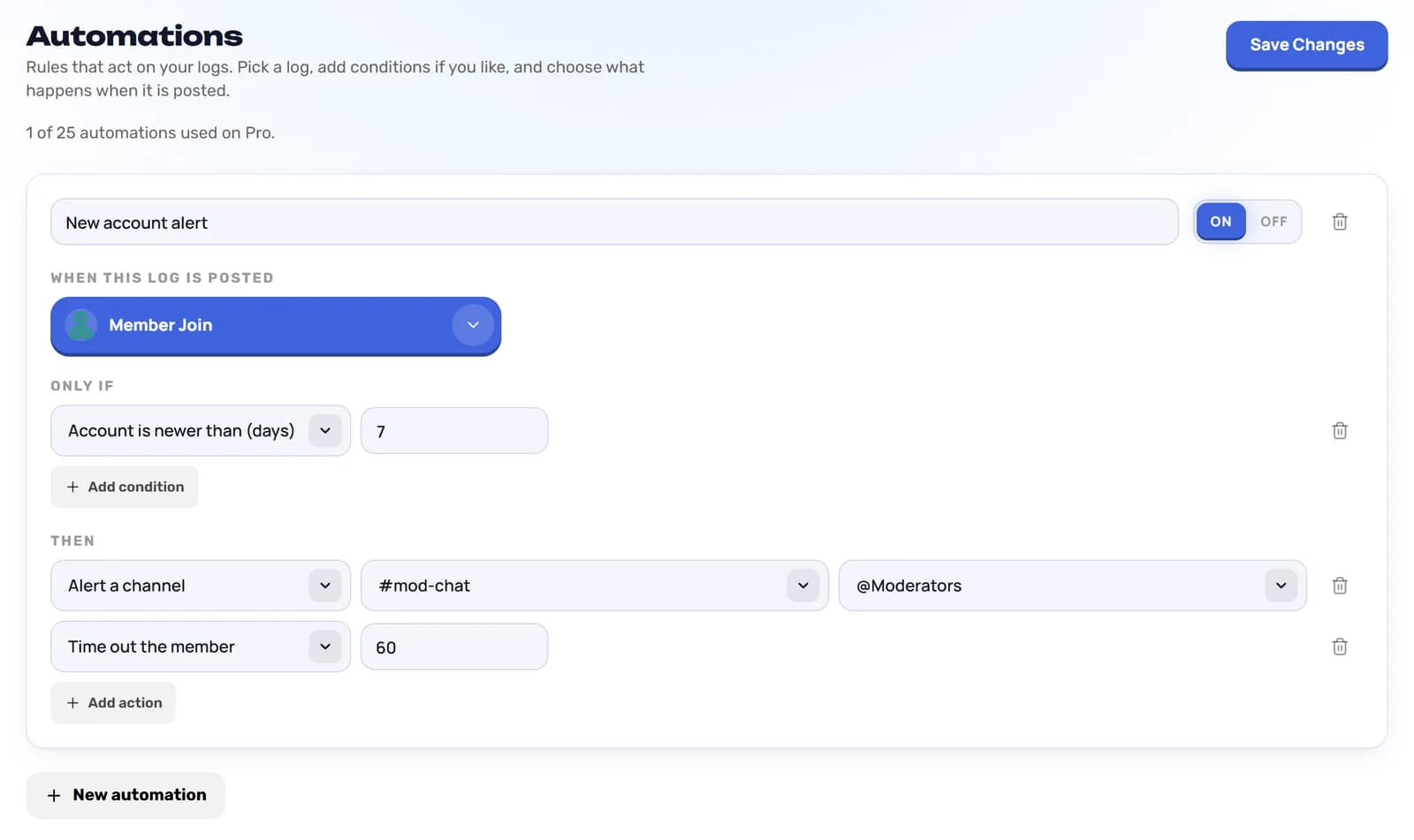
An automation watches one log type. When LoggerBot posts that log and your conditions match, it runs the actions you chose: alert your team, add a note, or on Pro act on the member.
Set them up in the dashboard under Automations. Free has 1 rule, Pro Lite has 3 and Pro has 25.
Need it to act, not just tell you?
1 rule on Free and 3 on Pro Lite. Alert a channel, add a note to a log or remove it.
How a rule works
Pick one of the 102 log types. Add up to 6 conditions, and every condition has to match. Then choose up to 6 actions that run each time that log is posted.
Each rule has its own switch, so you can pause one without deleting it.
Conditions you can use
- Log text contains — any of the words you list, such as “free nitro”.
- Member has, or doesn’t have, a role — act only on members with or without a role you pick.
- Member is a bot, or is not — tell bot accounts from people.
- Account is newer than — a number of days, to catch brand-new accounts.
- Done by a bot — for changes that another bot made.
Actions
On Free and Pro Lite a rule can:
- Alert a channel — post the log, with a link back to it, in a channel you pick. You can ping a role at the same time.
- Add a note to the log — put your own note on the log, so whoever reads it sees why the rule fired.
- Remove the log — delete the log message after the other actions have run.
Pro adds:
- Time out the member — for the number of minutes you set.
- Kick or ban the member — when the log is about a member and every condition matches.
- Give or take a role — on the member the log is about.
- DM the member — with a message you write.
Examples
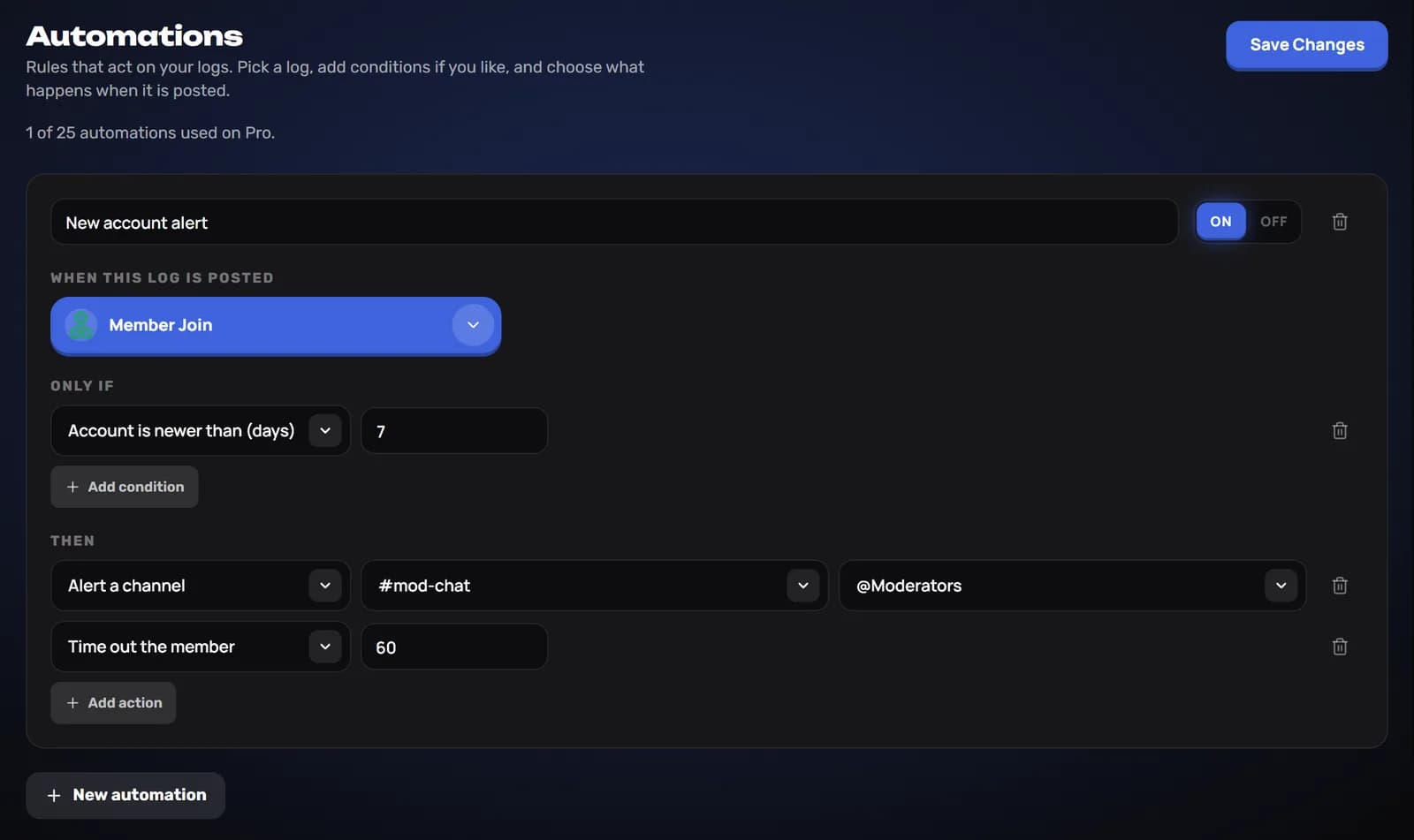
- Watch new accounts — When a Member Join log is posted and the account is newer than 7 days, alert #mod-chat and ping @Moderators.
- Flag scam wording — When a Delete Single Message log is posted and its text contains “free nitro”, add the note “Check for scam links”.
- Hold brand-new accounts (Pro) — When a Member Join log is posted and the account is newer than 3 days, time the member out for 60 minutes.
Built to be safe
- Protected members — timeout, kick, ban and role changes never touch the server owner, administrators or anyone at or above the bot’s top role.
- No loops — a rule never runs for a log that LoggerBot caused itself.
- Rate limited — every rule is capped, so a burst of events cannot trigger a flood of alerts or actions.
Frequently asked questions
How many automations do I get?
Free has 1, Pro Lite has 3 and Pro has 25.
Which logs can start an automation?
Any of the 102 log types. Pick the one the rule should watch.
Can an automation ban someone by mistake?
Moderation actions are Pro only. A rule only runs when every condition matches, it never applies to the server owner, administrators or anyone at or above the bot’s top role, and each rule is rate limited.
Why isn’t my rule running?
Automations recognise a log by its Customize button. If you hid that button under Logging in the dashboard, turn it back on.
Guides
Related logging features
Browse all features


Add LoggerBot to your server
Add LoggerBot, then open Automations in the dashboard and create your first rule. The free plan never expires.